 CryptoCalc
Find a place to start
Two matching symbols? A small result? Look closely: one of those sums is already helping you out. The same shape always hides the same digit.
THE NUMBERS ARE PLAYING HIDE-AND-SEEK.
What’s that triangle worth? What if the circle is a 3? Follow a hunch, check the sums, and uncover the hidden digits. That little “aha!” is what it’s all about.
For Android. Contains ads and an optional purchase to remove them.
Three rows, three columns, and a few “hang on, I’ve got it” moments.
You decide how much of a head-scratcher you’re in the mood for.
Pause, rethink, try again. There’s no clock to beat.
It’s called a cryptarithm, but the idea is simple: shapes are standing in for digits. Work out who’s who until the sums make sense both across and down.
Two matching symbols? A small result? Look closely: one of those sums is already helping you out. The same shape always hides the same digit.
Tap a cell and choose a digit. Now check the other equations: does your idea still hold up?
Each digit you find helps with the next. Keep checking rows and columns. When they all work, you’ve cracked it!
WATCH IT CLICK
Sometimes it helps to watch someone make the first move. Our official video walks you through the basics, with commentary along the way. Then come back and have a go below.
LEARN, ONE CLUE AT A TIME
Let’s start with the easiest clue and see where it takes us. Tap Next whenever you’re ready.
Simplified example. In the app, all three rows and all three columns must work.
YOUR TURN
Choose a digit for each shape and hit “Check”. A little tip between us: those two circles know something.
A quick warm-up right here before you dive into the app’s puzzles.
Triangles, circles and squares look innocent enough. Put them together, though, and you’ll be hunting for that one last digit that makes everything click.
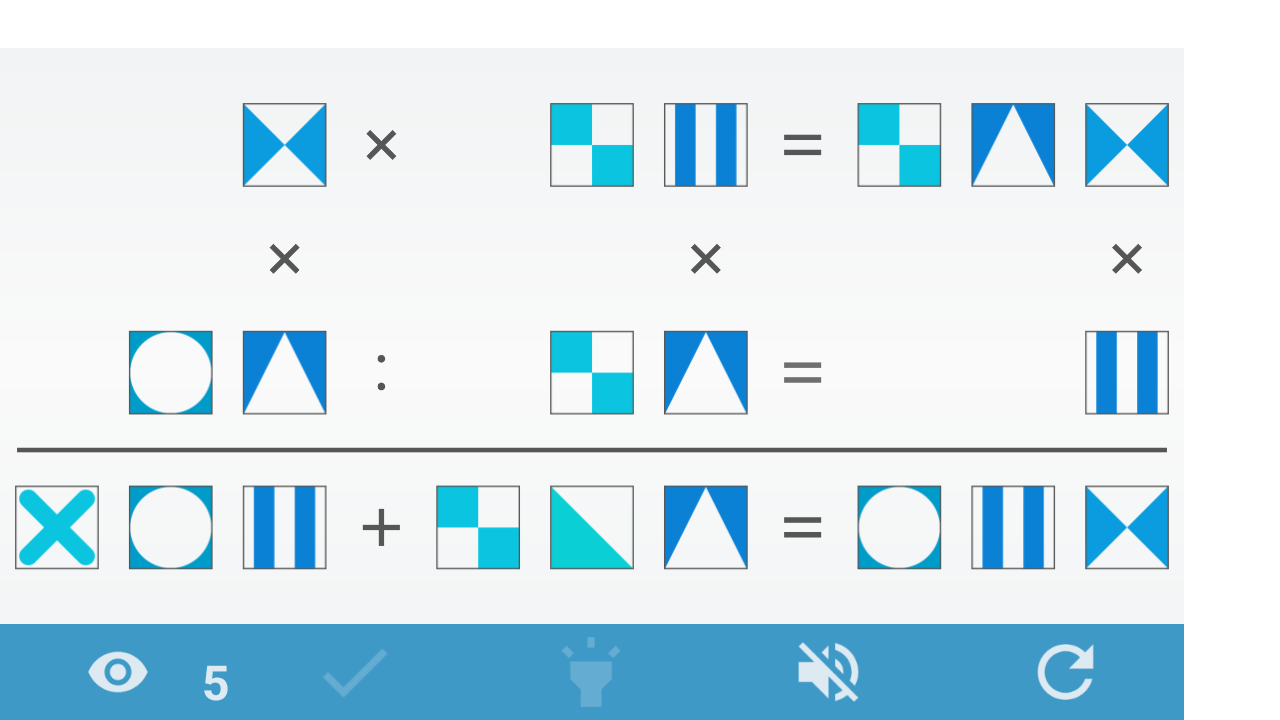
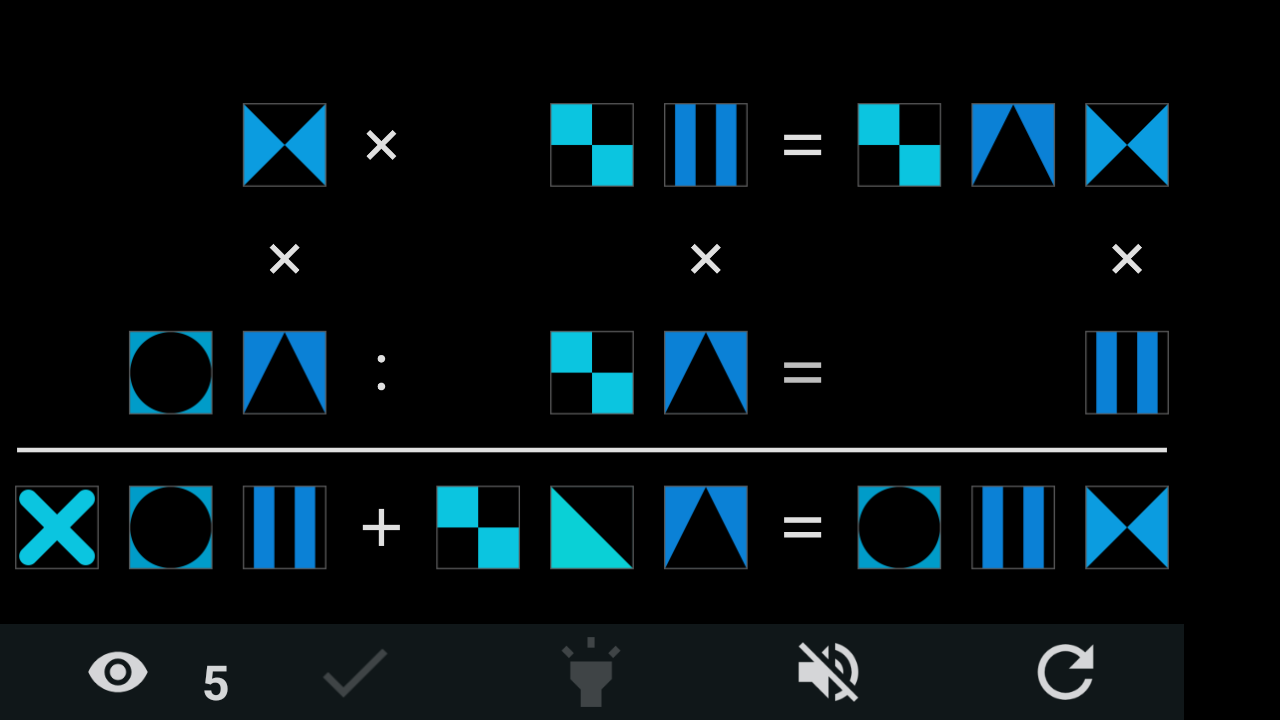
A preview of version 3.1, shown without ads. You may still see the previous design on Google Play.
FANCY LENDING A HAND?
If CryptoCalc makes you smile and you’d like to send a little encouragement, you can do so in Bitcoin. It helps us spend more time on the game. How much? That’s up to you, and entirely optional.
Open a Lightning wallet that supports BOLT12, choose an amount and confirm it there. Even a small gesture is welcome.
Donations are optional and don’t remove ads; there’s a separate purchase for that in the app. Payment happens in your wallet, never on this site.
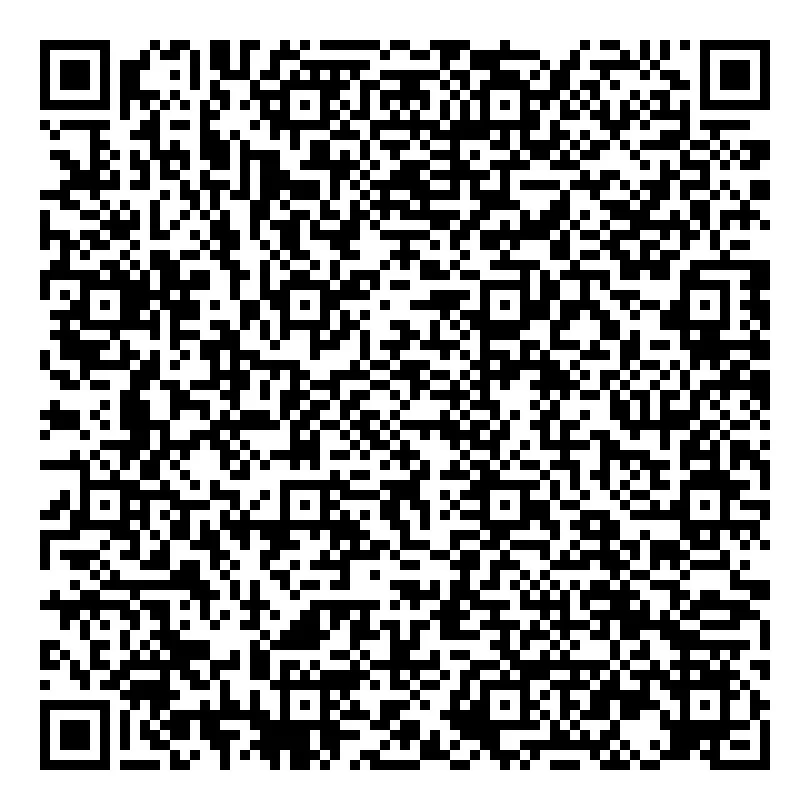
Prefer doing it yourself? Select and copy the code. It’s the same donation pot used by Riffto and MOA Calculator.
No exams, promise. Basic arithmetic and a bit of curiosity will do. Start on Easy, get a feel for the clues, then turn it up when you’re ready.
Not a bit. There’s no countdown and nobody to beat. Take as long as you need for that “aha!” moment.
It happens! The app has hints to get you moving again; you can see what’s available while you play. Your statistics keep track of the puzzles you’ve already cracked.
CryptoCalc is free to download on Google Play. It has ads, with an optional purchase to remove them. You’ll find the price in the app.
The button and QR open a BOLT12 offer. Use a compatible wallet, choose an amount and check the details before confirming. A wallet that only handles BOLT11 invoices may not recognise it.
Maybe start with the triangle. Or perhaps that circle has something to tell you.